Introducing epoch.to
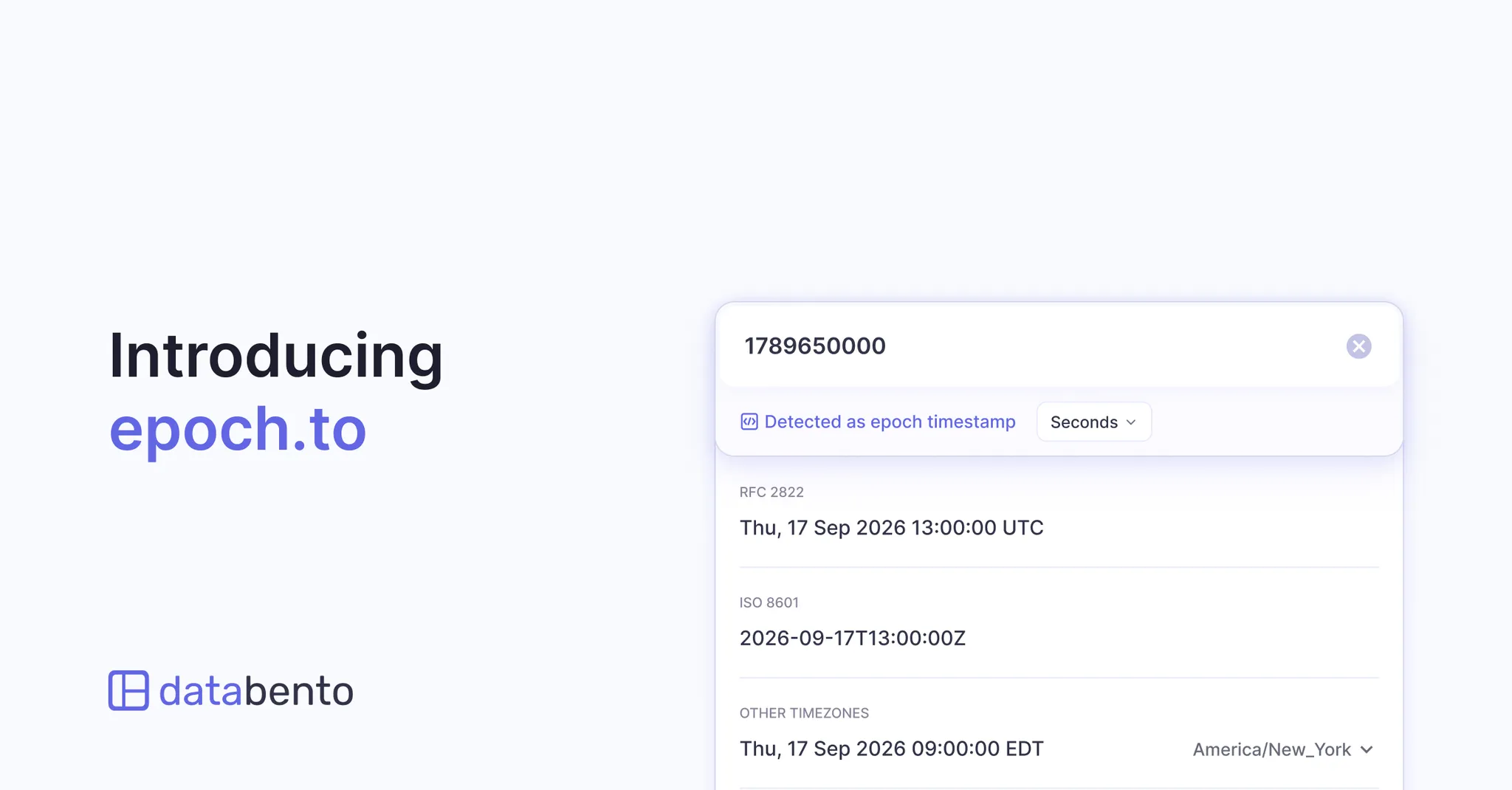
At Databento, we work with timestamps every day across market data, API responses, logs, and databases. Existing converters work well when you already know the format and conversion you need, but timestamps aren’t always that straightforward. The input format may be unclear, dates can be ambiguous, and checking the same timestamp across time zones often takes several steps.
We first built an internal tool to speed up these workflows, then released it as the open-source Epoch CLI last year.
epoch.to brings those capabilities to the browser, with automatic format detection, exchange time zone shortcuts, shareable URLs, and other features designed around how we work with timestamps ourselves.
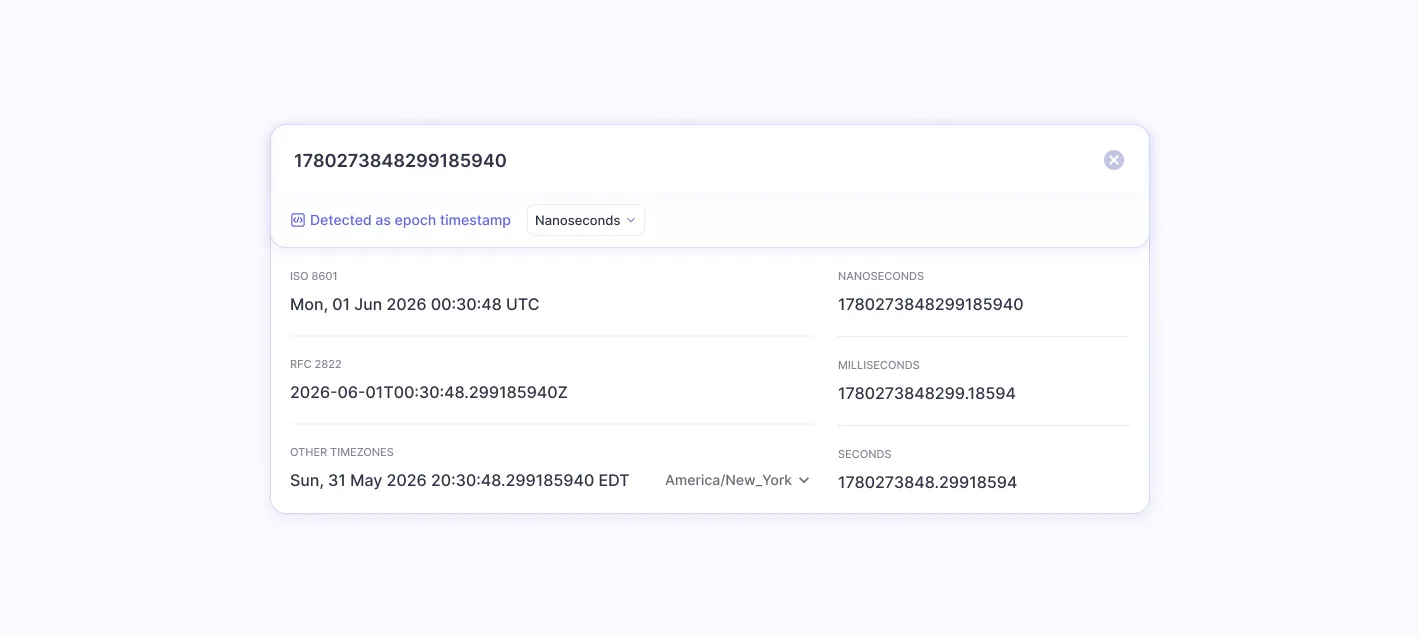
Our experience at Databento informed everything from how epoch.to handles your input to the shortcuts that make everyday conversions faster.
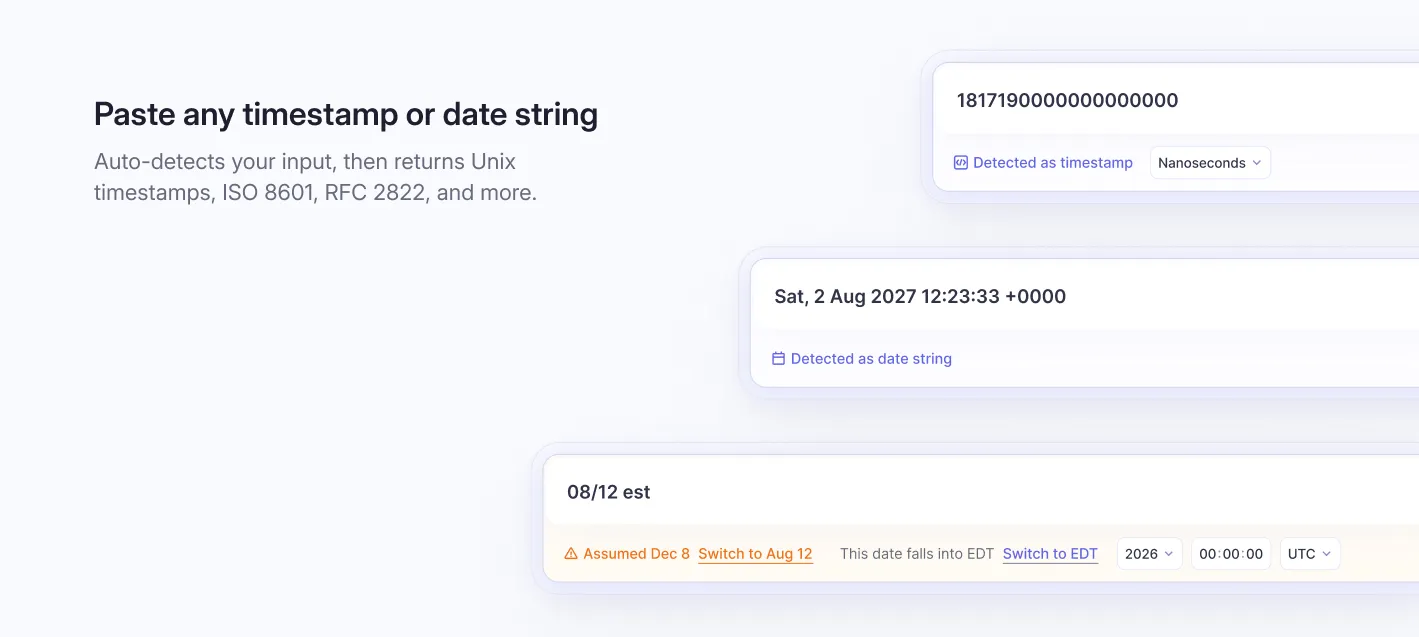
Paste a timestamp or date string without selecting an input format. It recognizes over 100 formats and identifies Unix timestamps in seconds, milliseconds, microseconds, and nanoseconds.
Results are available as Unix timestamps, ISO 8601, RFC 2822, and more.
A date like 09/04 could mean September 4 or April 9. When a date string has more than one possible interpretation, epoch.to selects one and lets you switch it with a click.
Append a timestamp or date string to epoch.to/ to open the page with the conversion already displayed. You can also share the URL so someone else can see the result.
We kept the domain intentionally short to make these links easy to type and share. Try it yourself: epoch.to/1789543805
When you share an epoch.to link in Slack, Discord, or another app that supports link previews, the preview includes the converted value. Readers can see the result without opening the page.
Use the same URLs with curl to convert timestmaps directly in your terminal.
curl -L epoch.to/1788235954
curl -L epoch.to/2026-09-01T04:12:34.000Z
Working with market data often means checking times against an exchange's schedule or finding the start and end of a day. We added shortcuts for exchange time zones and day boundaries to speed up those routines.
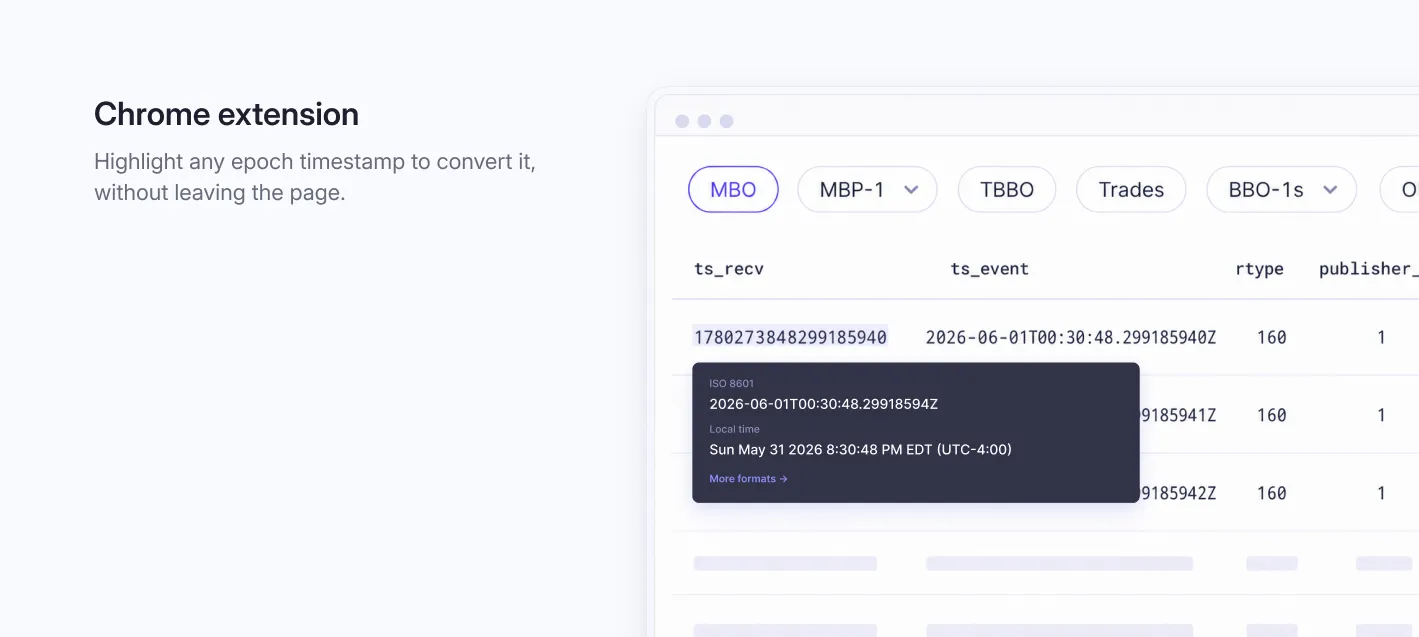
Convert timestamps without leaving the page you’re working on. The Chrome extension lets you select a timestamp in a dashboard, log, or documentation page and convert it in place, keeping the surrounding context in view.
Install the extension from the Chrome Web Store.
Convert timestamps directly in your terminal with the Epoch CLI:
$ epoch 1585796573
# 2020-04-02T03:02:53Z
It also accepts input through stdin, letting you convert timestamps in logs and other command output while keeping each timestamp alongside its associated event:
$ tail -n 10 app.log | epoch
# 2025-10-21T12:23:34Z GET /index.html 200
# 2025-10-21T12:23:39Z GET /assets/app.css 200
# 2025-10-21T12:23:40Z GET /assets/app.js 200
# 2025-10-21T12:23:44Z GET /favicon.ico 200
# 2025-10-21T12:23:58Z GET /api/user 200
# 2025-10-21T12:24:07Z GET /api/projects 200
# 2025-10-21T12:24:21Z POST /api/events 201
# 2025-10-21T12:24:46Z GET /api/projects/42 200
# 2025-10-21T12:25:03Z PATCH /api/user/preferences 204
# 2025-10-21T12:25:27Z GET /api/notifications 200
The CLI and Chrome extension are both open source on Databento's GitHub.