Databento now available in QuantConnect's LEAN engine
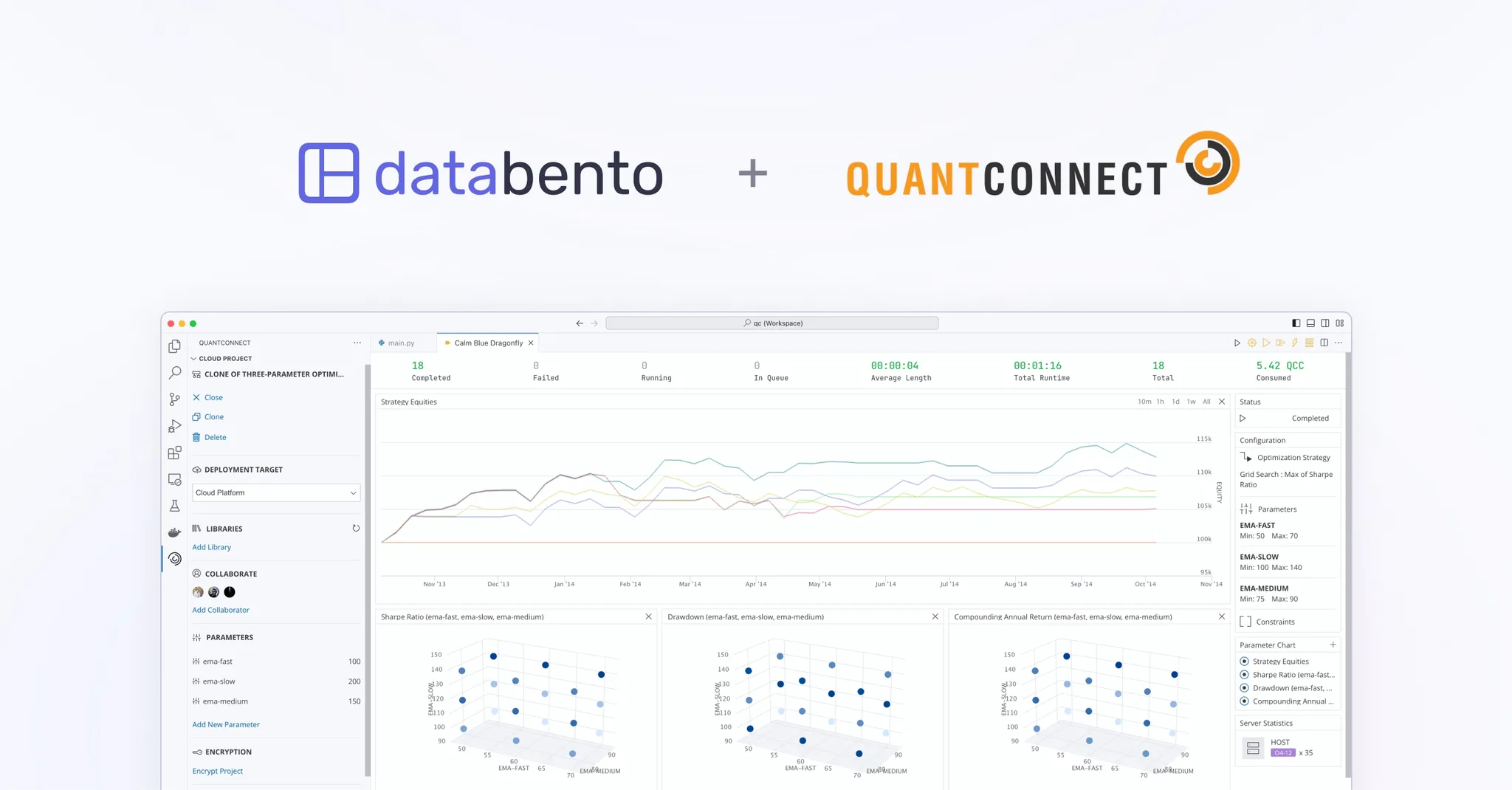
Databento now integrates with LEAN, the open-source algorithmic trading engine maintained by QuantConnect. LEAN powers a broad community that uses it for strategy research, backtesting, live trading, and more. This integration lets users pull historical and real-time data directly from Databento within the standard LEAN workflow.
Integrating market data into a new framework often involves writing a lot of boilerplate code. This integration eliminates the usual overhead, so users can connect Databento's CME data to a US Futures universe in LEAN without building a custom setup.
For historical use cases, data downloaded through the CLI is pulled from Databento's historical API and saved in the same flat-file format that LEAN uses for its other datasets. This makes it compatible with common LEAN workflows without requiring any extra parsing or processing. For users with a plan that supports live data, the integration streams directly from Databento's live API into the engine in real time.
When paired with QuantConnect's US Futures Security Master dataset, you can pass a product like ES to download all listed contracts, or specify individual contracts like ESH6 and ESM6. It works across the standard LEAN CLI workflow—data downloads, backtesting, Jupyter research, strategy optimization, and more.
The source code for this integration is available on GitHub.
You'll need a Databento API key, which you can generate from the portal. For data costs, see our pricing page. An active plan and license are required to access live data.
There are two ways to use Databento with LEAN: the LEAN CLI and the QuantConnect Cloud platform.
Use the LEAN CLI to work with Databento in a local LEAN environment. The example commands below demonstrate common workflows, including downloading historical data, backtesting, and deploying a strategy. More information can be found in the LEAN documentation.
# Download historical data
lean data download --data-provider-historical Databento --databento-api-key <apiKey> \
  --data-type Trade --resolution Minute --security-type Future --ticker ES --market CME \
  --start 20260101 --end 20260301

# Run a backtest
lean backtest "My Project" --data-provider-historical Databento --databento-api-key <apiKey>

# Deploy live
lean live deploy "My Project" \
  --data-provider-historical Databento \
  --data-provider-live Databento \
  --databento-api-key <apiKey> \
  --brokerage "Paper Trading"
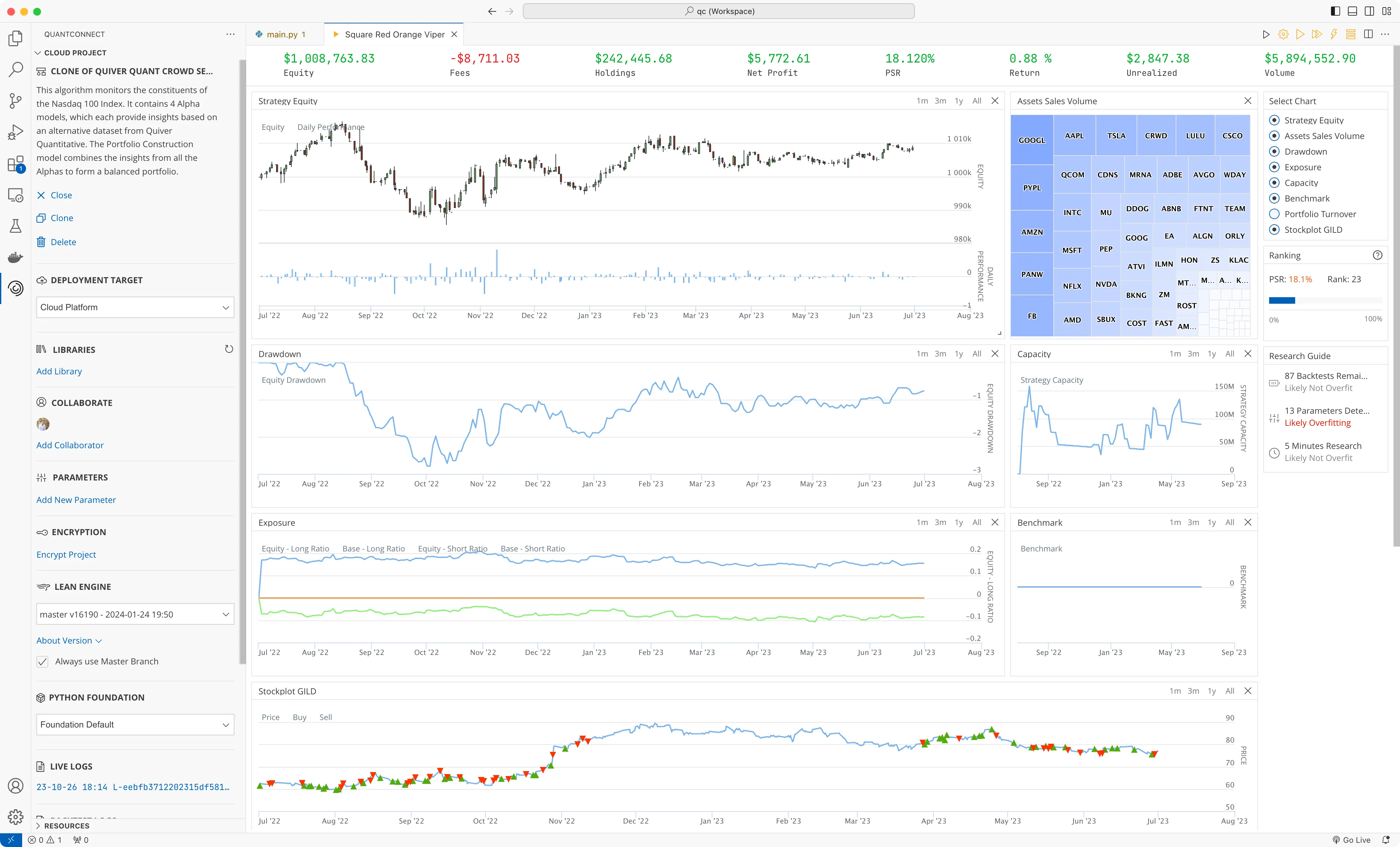
Use QuantConnect Cloud to deploy LEAN strategies in a managed environment for live trading, with hosted infrastructure and built-in deployment controls. To use Databento as a data provider, enter your API key in the wizard.